Best Note-Taking Apps with Notifications: The Essential Guide for 2026
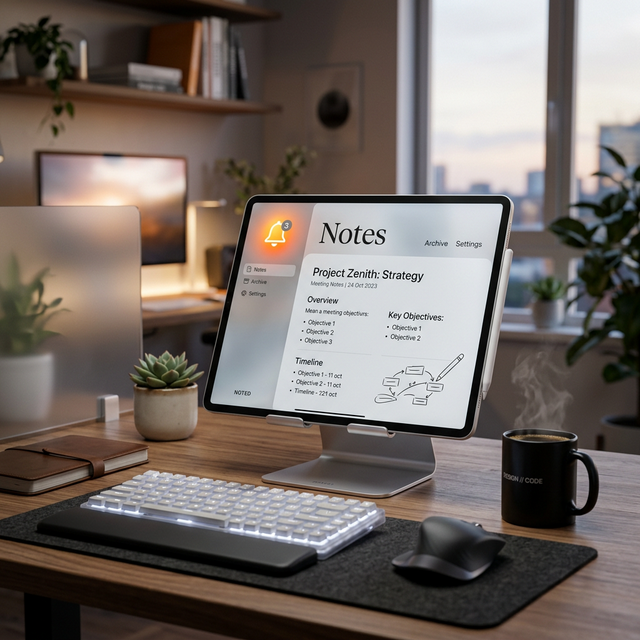
"I don't write to be understood; I write to understand." — Digital Polymath.
The human brain is a factory for ideas, not a warehouse for storage. In 2026, the volume of information we consume has outpaced our biological capacity to retain it. Choosing a note-taking app is no longer a minor preference; it's a decision about how you outsource your consciousness. In this definitive guide, we review the landscape of modern note-taking, the history of transcription, and how Notifayer fits into the "Second Brain" ecosystem.
The History of Literacy: From Sumerian Tablets to Digital Bits
Note-taking is the bridge that allowed human culture to accumulate knowledge over millennia. The first "note-takers" were the Sumerians, who pressed reeds into wet clay to track grain harvests. Later, the invention of papyrus in Egypt made information portable. The Romans used wax tablets for temporary notes (the precursor to our digital 'Scratchpads').
During the Renaissance, the "Commonplace Book" became the standard for intellectuals like Leonardo da Vinci and John Locke. They would transcribe quotes, recipes, and scientific observations into a single, lifelong volume. Today, our digital note-taking apps are the hyper-powered descendants of those leather-bound books, offering infinite searchability and cross-platform synchronization.
The "Second Brain" Philosophy: PARA and CODE
Modern note-taking is driven by the work of Tiago Forte and his "Building a Second Brain" framework. The key insight is that notes should be action-oriented. He suggests the PARA method for organization:
- Projects: Short-term efforts with a specific goal and deadline.
- Areas: Long-term responsibilities (Health, Finances, Career).
- Resources: Topics of ongoing interest (Coding, History, Gardening).
- Archives: Completed projects that you might need to reference later.
Notifayer excels at the P (Projects) part of this framework. While apps like Obsidian are great for "Resources," they lack the proactive "Alert" capability needed for high-stakes Project deadlines. This is why the best performers use a "Linked Stack": Obsidian for storage, Notifayer for action.

The 2026 Note-Taking Archetypes
Every note-taker fits into one of these categories. Identify yours to find the right tool:
1. The Librarian (Obsidian, Notion, Logseq)
You want to build a "Web of Knowledge." You love backlinks and graph views. You enjoy the process of organizing. Best Tool: Obsidian. Supplement with: Notifayer for the actual tasks generated by your research.
2. The Jotter (Apple Notes, Google Keep, Notifayer)
You don't want folders or complexity. You want to open an app, type "Fix the dishwasher," and be reminded later. Best Tool: Notifayer. Its grid-based UI and "Notes-with-Alerts" model is built specifically for speed and execution.
3. The Visualizer (Heptabase, Muse, Miro)
You think in spaces and shapes. You want a "Digital Canvas" where you can drag ideas around. Best Tool: Heptabase.
The Heavyweight Feature Comparison
| App | Primary Style | Active Reminders | Sync Speed |
|---|---|---|---|
| Notifayer | Action-Oriented Grid | ✓ (Triple-Alert) | Instant |
| Obsidian | Graph of Knowledge | ✗ (Plugin needed) | Manual / Vault |
| Notion | All-in-One OS | ✓ (Passive) | High Latency |
| Apple Notes | Simplified Text | ✗ | iCloud Only |

The Science of Handwriting vs. Typing
Research from the University of Tokyo found that handwriting notes on paper or a tablet leads to higher brain activation in the hippocampus. Why? Because the spatial nature of handwriting provides more "Cues" for your brain to anchor the memory. Typing, however, is 4x faster and infinitely searchable. In 2026, the optimal strategy is Hybrid: hand-write for brainstorming, and type for storage and execution tracking (in Notifayer).
From Notes to Actions: The Notifayer Bridge
The biggest failure in note-taking is the "Graveyard Effect"—you write something brilliant, and then never look at it again. Notifayer solves this by allowing you to attach a Deadline and Alert to every note. This transforms a passive piece of information into a proactive commitment. Your notes go from being a library of the past to being a map of your future.
Note-Taking FAQ
Can I import my notes from Evernote?
Yes, most modern tools allow for Markdown export/import. Notifayer is designed for flat, rapid-entry notes, so we suggest prioritizing your current "Living" notes for migration.
Is there an offline mode?
Notifayer is a PWA, meaning it can load and store your notes locally even when your internet is down. Once you reconnect, it syncs everything to our secure cloud.
How many notes can I store?
On the free plan, you get 50 active notes with reminders. For the vast majority of "Jotter" style users, this is the perfect amount to keep their dashboard lean and actionable.
Final Thoughts: Write to Live
In the digital age, your ability to document and retrieve your thoughts is your greatest competitive advantage. Don't let your ideas disappear into the ether. Use Notifayer to capture the spark, set the alert, and transform your thoughts into reality.
Stop observing your life and start engineering it. Your Second Brain is waiting—built it on the foundation of reliability.
Claim Your Digital Memory
Start capturing your brilliance with zero friction. Get instant alerts, email backups, and cross-device sync for free.
Start for Free